
Did you know that micro-interactions make users more likely to remember a site after 30-days? (Monday) These animations are everywhere, and it’s been subconsciously improving user appeal to a site’s interface. These are what we call micro-interactions, and they actually play a much bigger role in UI/UX design than one may imagine as they can shape a user’s impression on a site’s quality & trustworthiness.
In this blog, we’ll deep dive into the overlooked micro-interactions of UI/UX design as they are subtle details that are crucial for implementing interactive design that engage the users—many times without even them knowing. In this landscape where attention spans are very picky with what they invest their time on, trying to catch peoples attention is a competitive battle among many designers and developers. Understanding how these subtle details influence user behavior and perception is crucial to being a good designer overall.
The Functional Magic of Feedback
Micro-interactions are crucial to a user’s experience because it makes the user feel like the site is listening to their actions and every click is meaningful. These reactions are critical because they provide feedback between the users input and the site and help communicate status (Nielsen Norman Group).
Examples of Impact
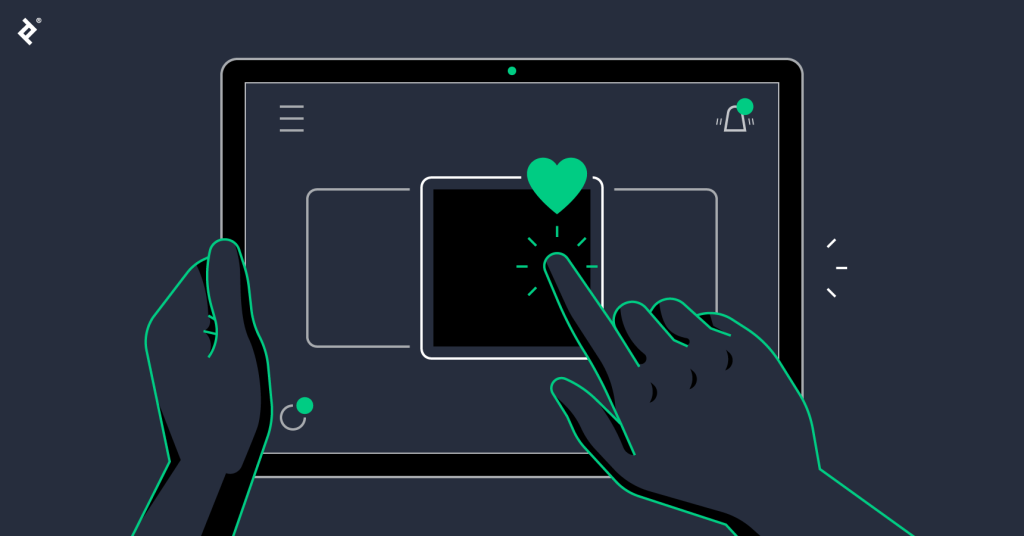
- The “Like” Button: A subtle animation confirms your interaction.
- Perceived Time: A well-designed loading animation can make a wait feel shorter. Research shows that “occupied time” feels shorter than “unoccupied time” (Interaction Design Foundation).
Best Practices
- Keeping it subtle: Not too much animations or too crazy.
- Consistency: Use the same “language” for similar actions.
- Purpose: Every movement should have some sort of explanation to the user.
Designing for Everyone (Accessibility)
As I was discussing information of this blog during a peer review with my classmate, Carlos Nunez medina, we came to a crucial idea on how micro-interactions can also be crucial for inclusive design. Inclusive design is ensuring that UX and UI are made for everyone to be able to use, regardless of whether you struggle to see, or hear, etc. Essentially, micro-interactions don’t only have to be used for the visuals, but are also accessibility tools.
“Design should be for everyone. Designers need to think about details that make it easier for people with disabilities, such as descriptions for screen readers.” — Carlos Medina, During our Peer Discussion
For example, a micro-interaction isn’t just a color change. As a matter of fact a color-blind user may miss such detail. It should also include a shape change or a text label change. A clear visual feedback for keyboard navigation also would help those who have trouble using a mouse. According to the W3C Accessibility Standards, providing multiple sensory cues in micro-interactions is a high indicator of trustworthy design.
The “Scrolling” Connection
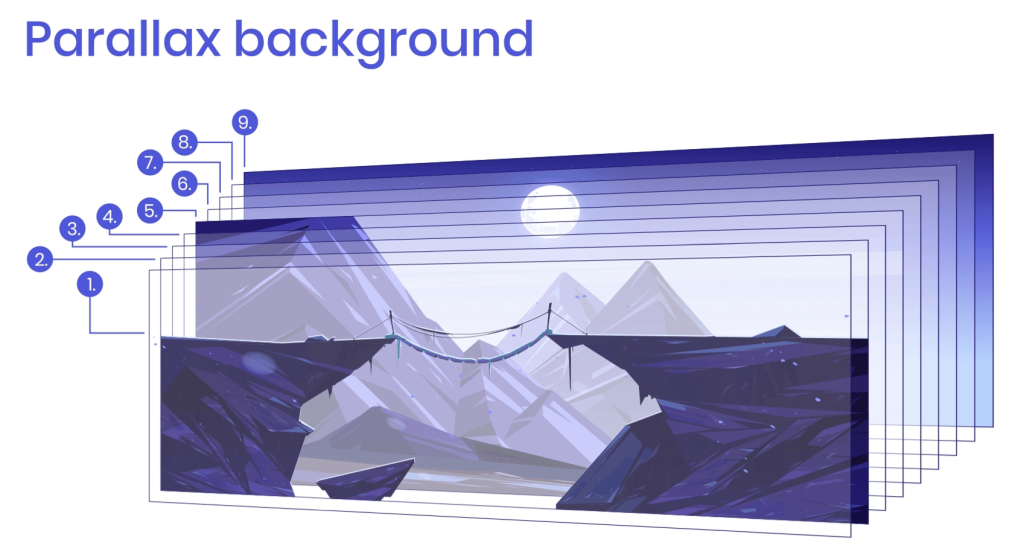
Another idea I’d like to bring up is using scroll-triggered animations. Scroll-triggered animations can transform boring, static pages into a highly interactive narrative. By implementing animations upon scroll, it guides users’ eyes and creates a sense of depth and feedback to the user. However, there is a limit to how much you can do it.
You never want to overdo the animations. Adding too much micro-interactions can actually be very harmful for your UX/UI as too much interactivity can be overstimulating or overwhelming to users. It’s best to ensure that you only add animations that actually guide users and let them know where they are and what they are doing. For example, a distinct audio that plays along with a popping visual to let the user know they just sent a message. This lets the user know that they just sent out a message to someone.
Conclusion: The Silent Architects of Trust
Micro interactions are overlooked elements by many users because it’s not meant to stand out. As a matter of fact, they are very subtle, and that’s the point. By understanding how micro-interactions work and implementing them thoughtfully, ordinary sites can be transformed into extraordinary user experiences that build trust and appeal to users.
What do you think? Does a lack of feedback on a website make you trust the brand less?

Research Sources
- Nielsen Norman Group: Microinteractions in User Experience
- Interaction Design Foundation: The Secret to Great App Design
- W3C (Web Accessibility Initiative): Introduction to Web Accessibility
View previous blog: https://ssunuwar.mydcts.org/blog/languages-for-web-developer/